How to Set Up a Phone Farm Box, Step by Step
A farm box arrives assembled and burned in. How to go from delivery to first post: connectivity, software, the first phone, assistants and the first week.

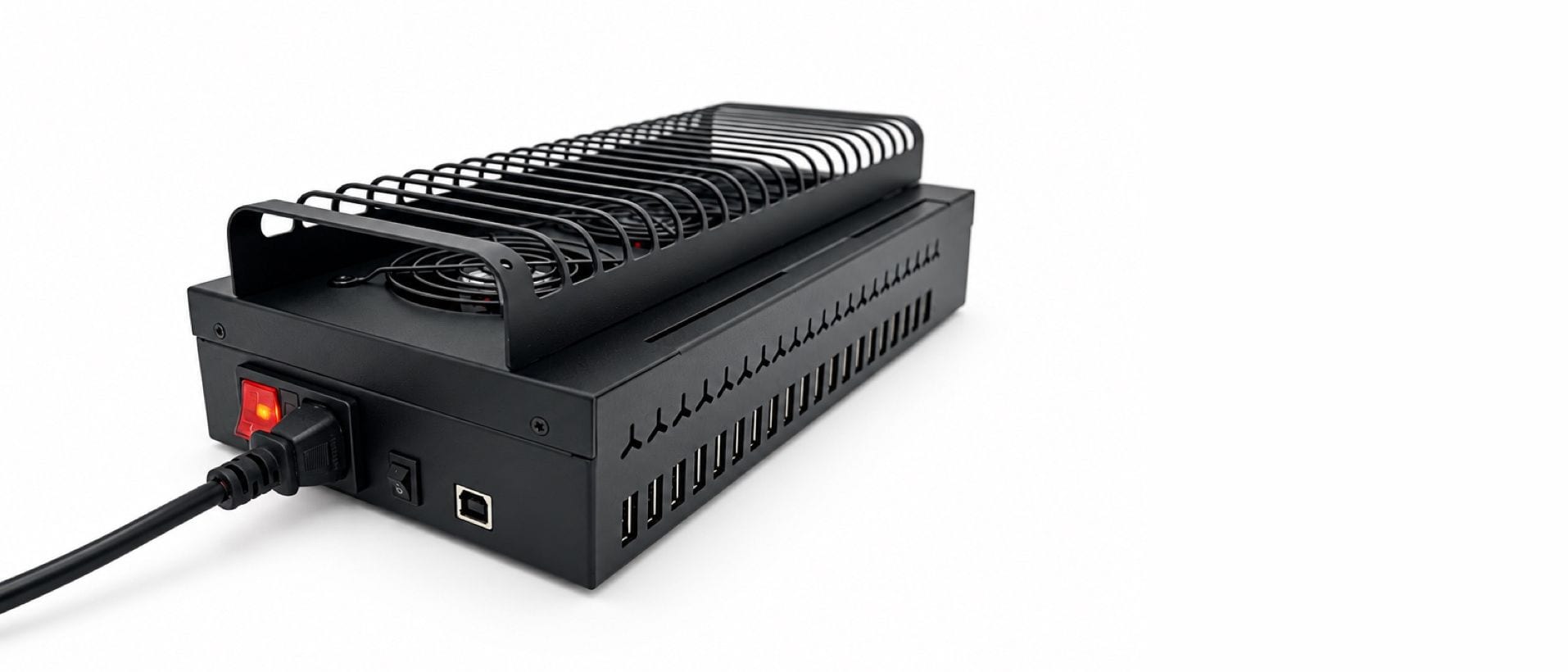
To set up a phone farm box, plug the phones into a computer with internet, subscribe to the control software, follow its step-by-step setup until every phone shows in the browser grid, sort out one connection per phone, then warm accounts up for a few days before posting at volume. A farm box leaves us assembled, wired, cooled and burned in, so the hardware part is short. This is the order that avoids the usual mistakes.
What should I prepare before the box arrives?
- Plan the software. The control software is a monthly subscription — Standard for up to 25 phones, the Full version for up to 100. Take it out when the box is about to arrive; there is no reason to pay for it earlier.
- Decide on connectivity. Each phone needs its own way online: a carrier SIM per phone or a proxy — see phone farm proxies and SIMs. SIMs need to be on hand on day one. If you are unsure what fits your phones, ask the team before the box ships.
- Have a computer ready. The phones plug into a computer with internet; a small connector program runs on it and brings the phones into your browser.
- Clear a spot with airflow. The box needs air around it. Do not push it against a wall.
What happens on day one?
- Unpack and check the slots. Every slot is numbered, and the burn-in log travels with the box.
- Connect the phones. Plug them into the computer and follow the setup inside the software. It runs step by step, in plain language.
- Check the grid. The software shows 20 live thumbnails in slot order; colour tells you what is online, busy or needs a look. If a phone does not show up, support looks at it with you.
- Set up connectivity. Insert the SIMs or configure your proxies — one per phone, slot numbers written down as you go.
- Open one phone from the grid and check touch, keyboard and an upload. Then sign in to your accounts on the phones with your own credentials.
With the phones connected, the first post can leave the same day.
From delivery to posting at volume
- PrepareSoftware, connectivity, a computer and a spot with airflow.
- Connect the phonesFollow the setup inside the software.
- Check the grid20 live thumbnails in slot order.
- One connection per phoneSIMs or proxies, slot numbers noted.
- Warm up for a few daysOrdinary use before any real schedule.
How should the first week go?
New accounts on new phones should behave like new users. Give each phone a few days of ordinary use — scrolling, watching, following, a post or two — before any schedule that looks like work. The software's warm-up and activity automations do this at a human pace, and they run on prepaid AI credit charged by use. Space actions out and vary content. The per-phone log shows you whether that is actually happening.
Do not log twenty new accounts into twenty phones in one afternoon and start posting at full volume. That is the pattern platforms are built to catch.
How do I give assistants access?
In the software, assign phones to people and pull access back in one click. Each assistant sees only the phones you assign them, every session is logged, and there is no limit on the number of assistants. Videos go into the software's library once; you decide which account posts what and when.
What should I watch in month one?
- Thermals. If a slot keeps dropping offline at the same time of day, check airflow before anything else.
- Batteries. The phone that works hardest ages first. Slots are numbered, so a swap is a swap, not a hunt.
- Health colours. Offline phones, failed connections and stuck apps show up in the grid before your team notices.
What if a phone fails?
Every box carries 12 months on hardware. Message the team on Telegram with the slot number. When you swap a phone on your own rack, the licence follows the slot — nothing to re-license.
For the full device setup, warm-up sequences and automations, our AI phone farm course goes through it step by step.
FAQ
How long does it take to set up a phone farm box?
Most of it is the same day: connect the phones, follow the setup in the software, and the first post can leave within the hour once the phones show in the grid.
Do I need to install anything on the phones?
Nothing for you to install. Your apps, accounts and settings stay exactly as they are — our team sets up the connection with you.
Do I need your router?
No. The IK-MSG100 is the router from our own racks, sold on its own. Whether your setup needs one depends on how your phones connect — ask the team before you order.
When does the software licence start?
When you subscribe on the software page. It is billed monthly or yearly and can be cancelled at the end of any month.
Ready to run real phones?
Buy a 20-phone farm box, rent a hosted rack, or run our control software on hardware you already own.